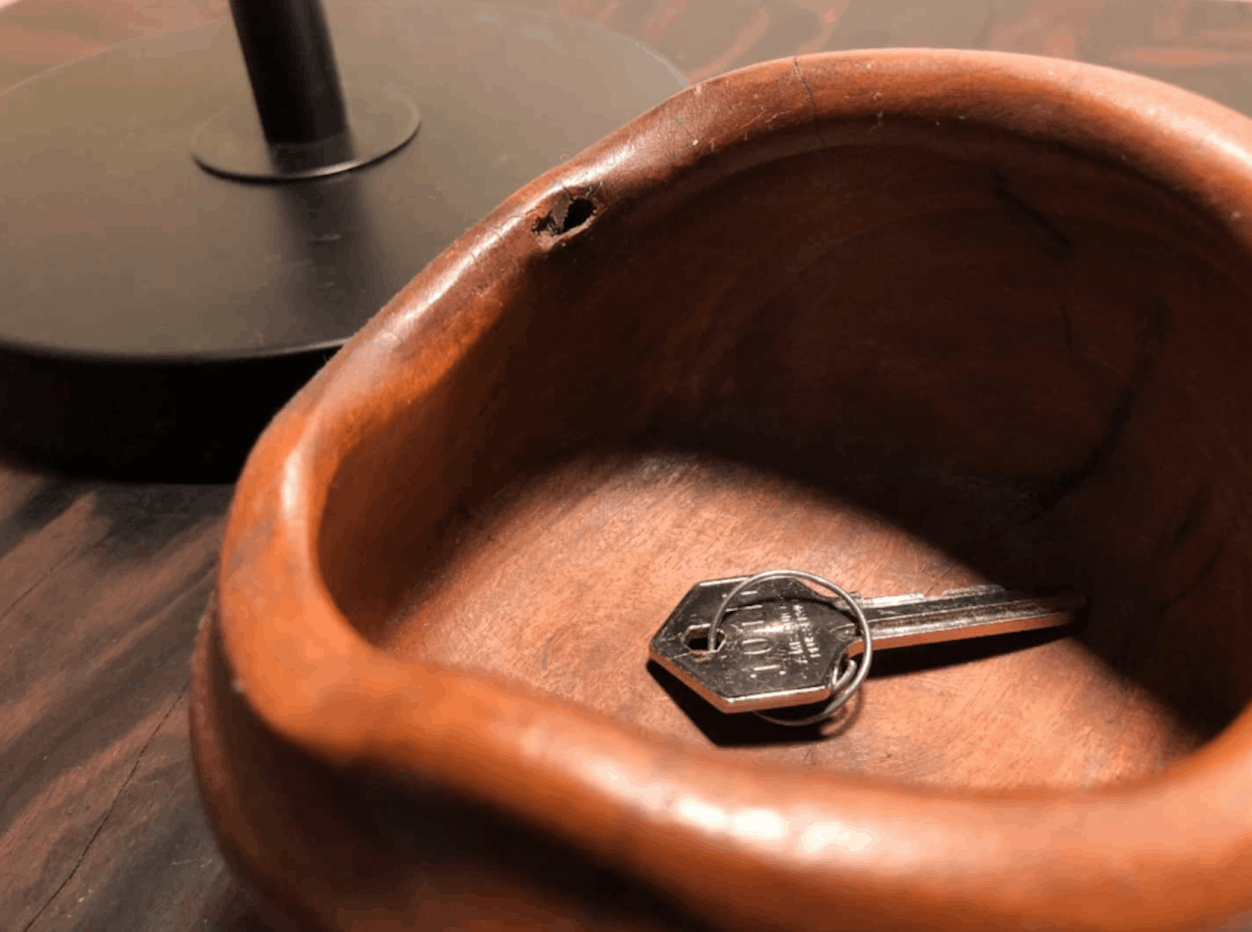
Let's Check In Together!
Follow these steps and you'll be in your room in no time.
Once you reach the area, look for the name of the building — SAN LORENZO PLACE. It's clearly marked on the exterior. You're in the right place!
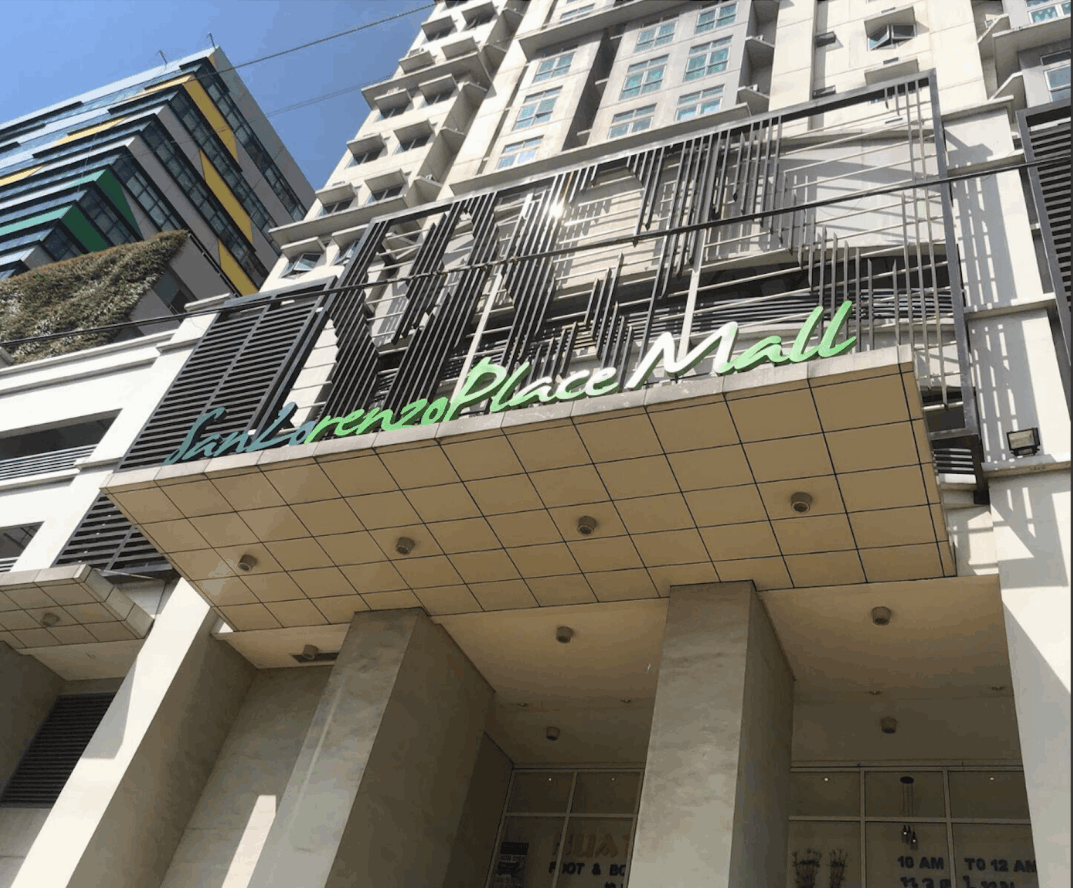
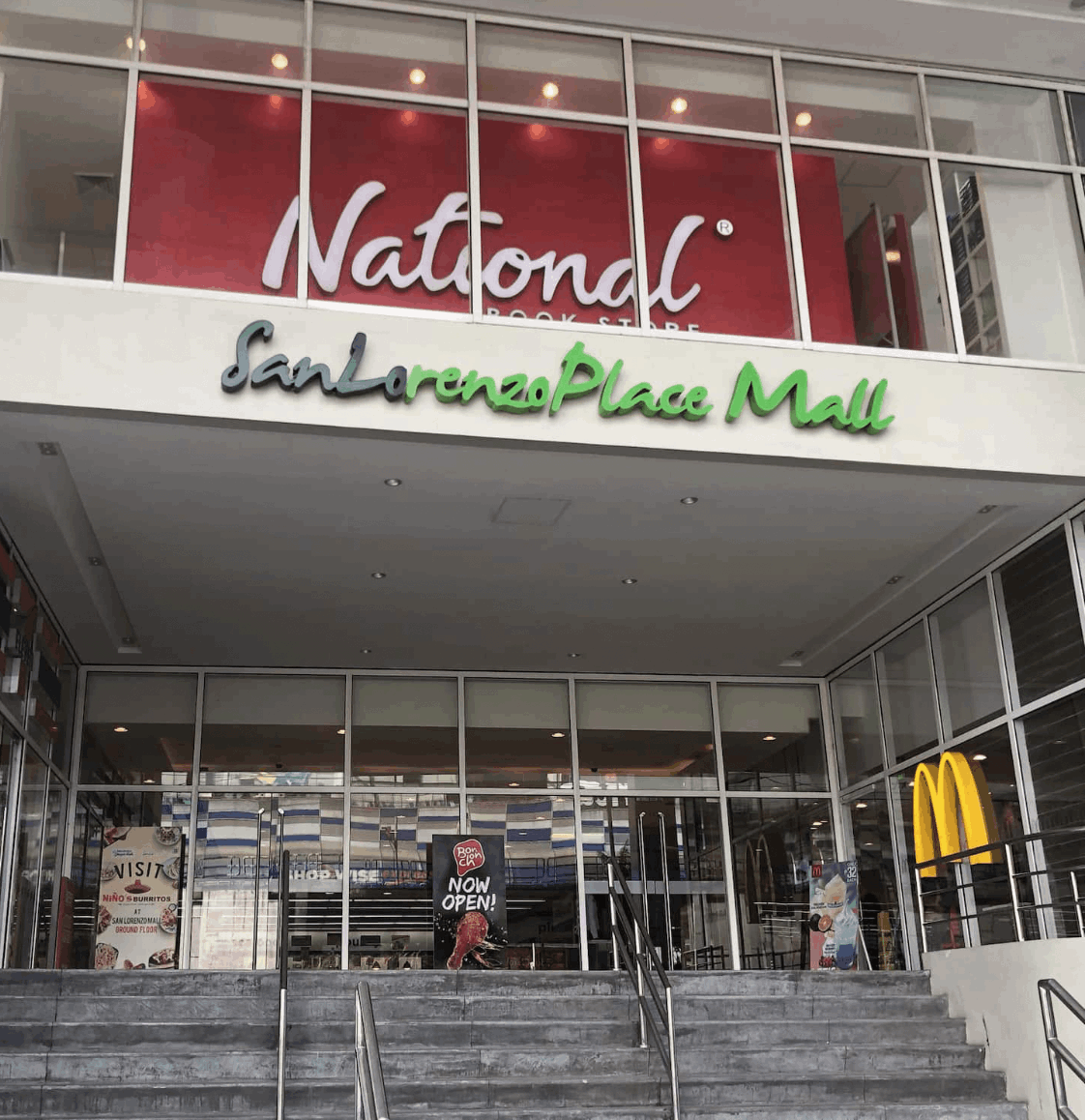
You may also see the entrance to San Lorenzo Place Mall at the side of the condominium. Feel free to explore the mall — they have plenty to offer during your stay.
Head to the main entrance of San Lorenzo Place. Walk straight in — the lobby and reception area are just ahead.
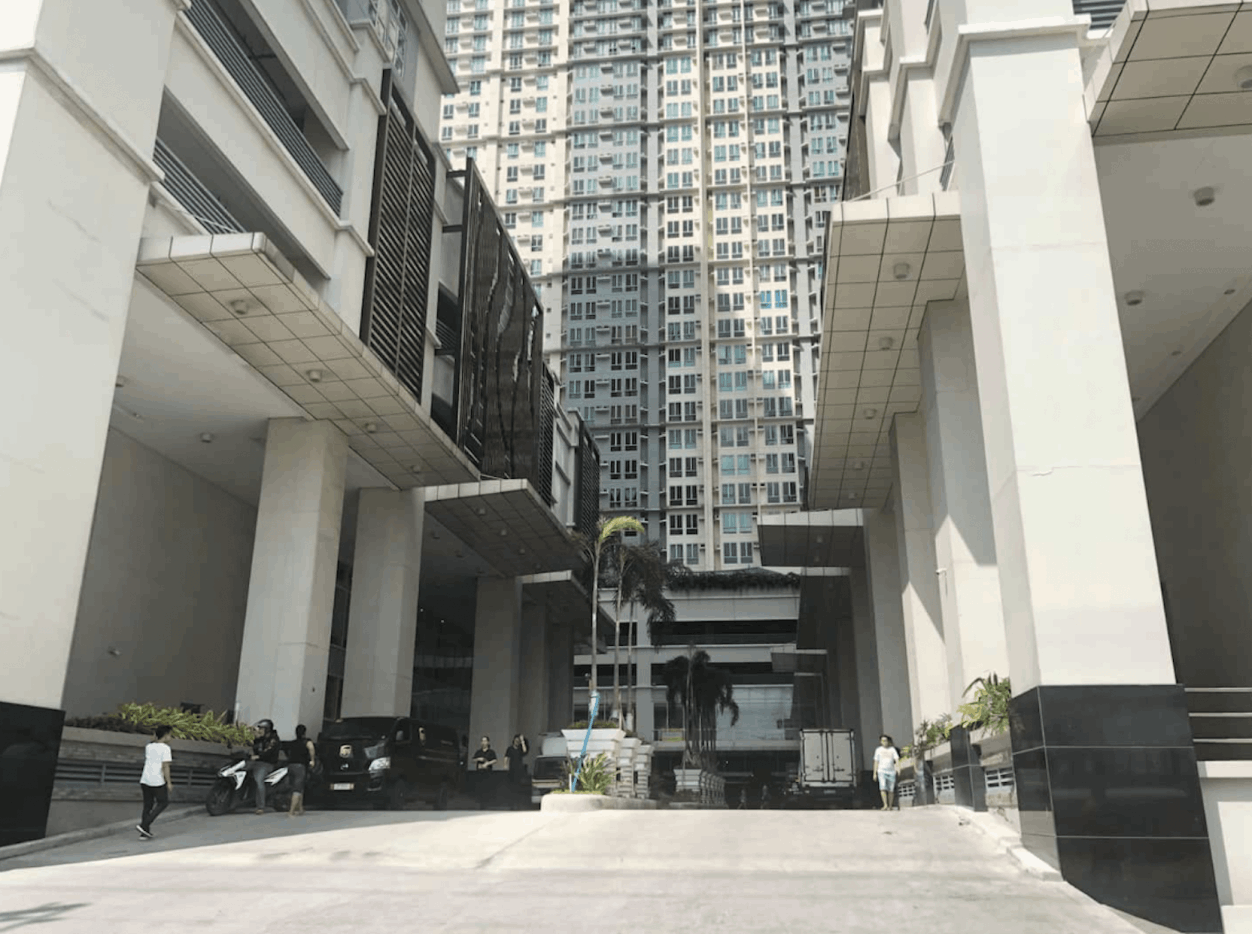
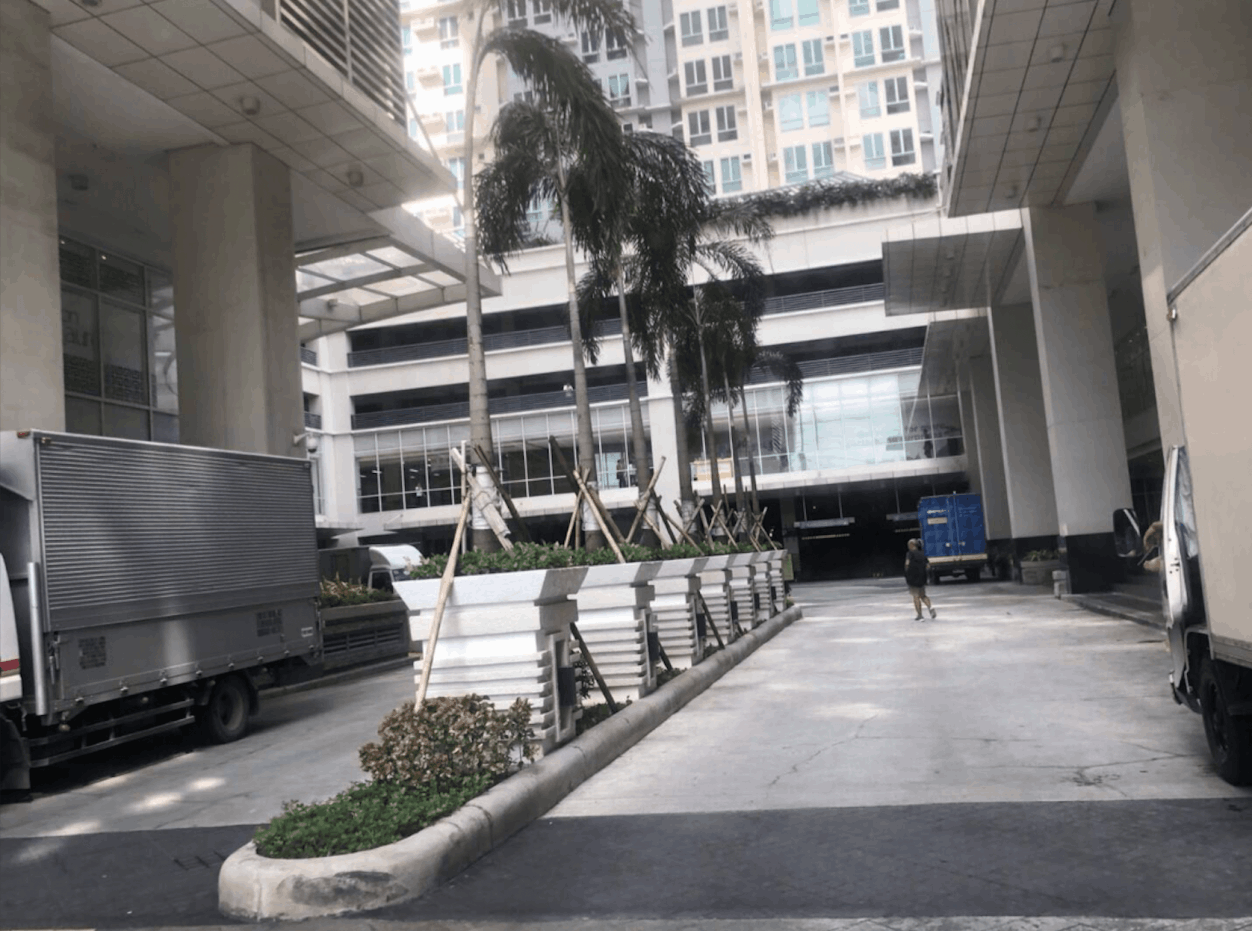
Continue walking through the ground floor. The roundabout is just ahead — follow the path forward.
At the roundabout, keep turning until you reach Tower 4. Note: on the right side is the entrance to the parking lot. There is pay parking in the basement — but if you have a reserved slot from us, head to the 3rd floor for our designated space.
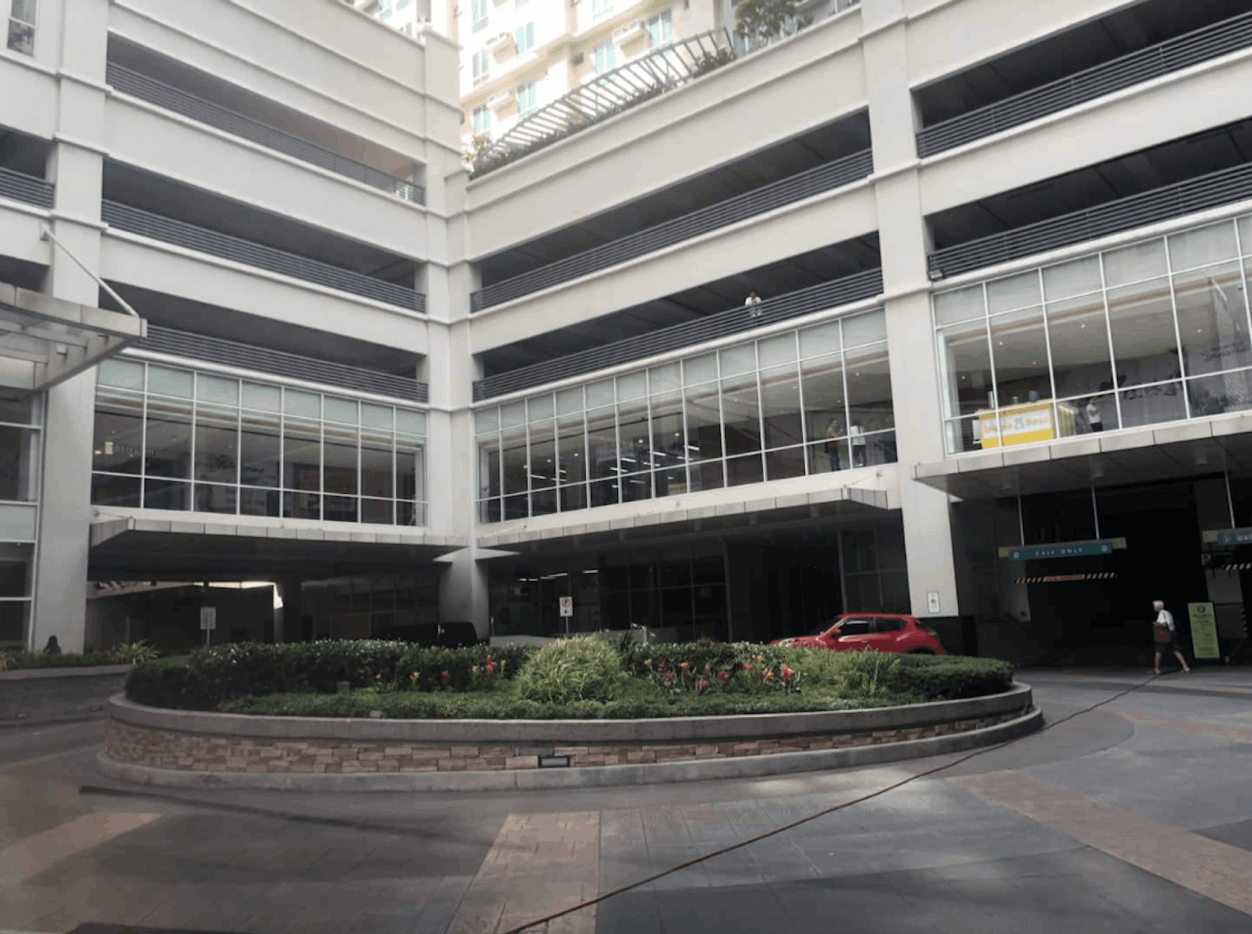
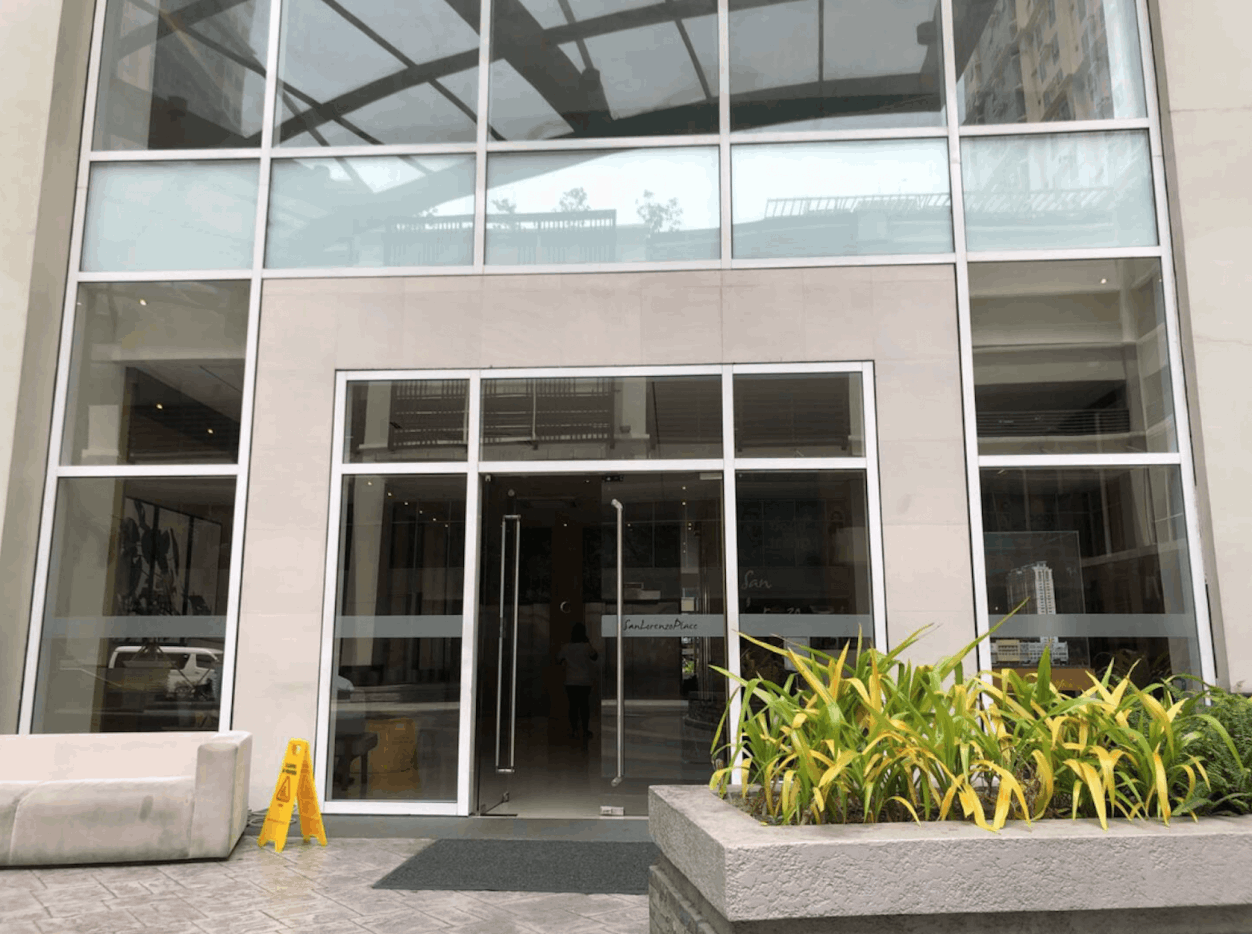
You should now see Tower 4 of San Lorenzo Place. Go to the entrance and approach the reception desk. Please present a valid ID for security purposes — we appreciate your cooperation as this ensures everyone's safety.
Once check-in at reception is complete, proceed to the elevator and press 6. The unit is on the 6th floor.
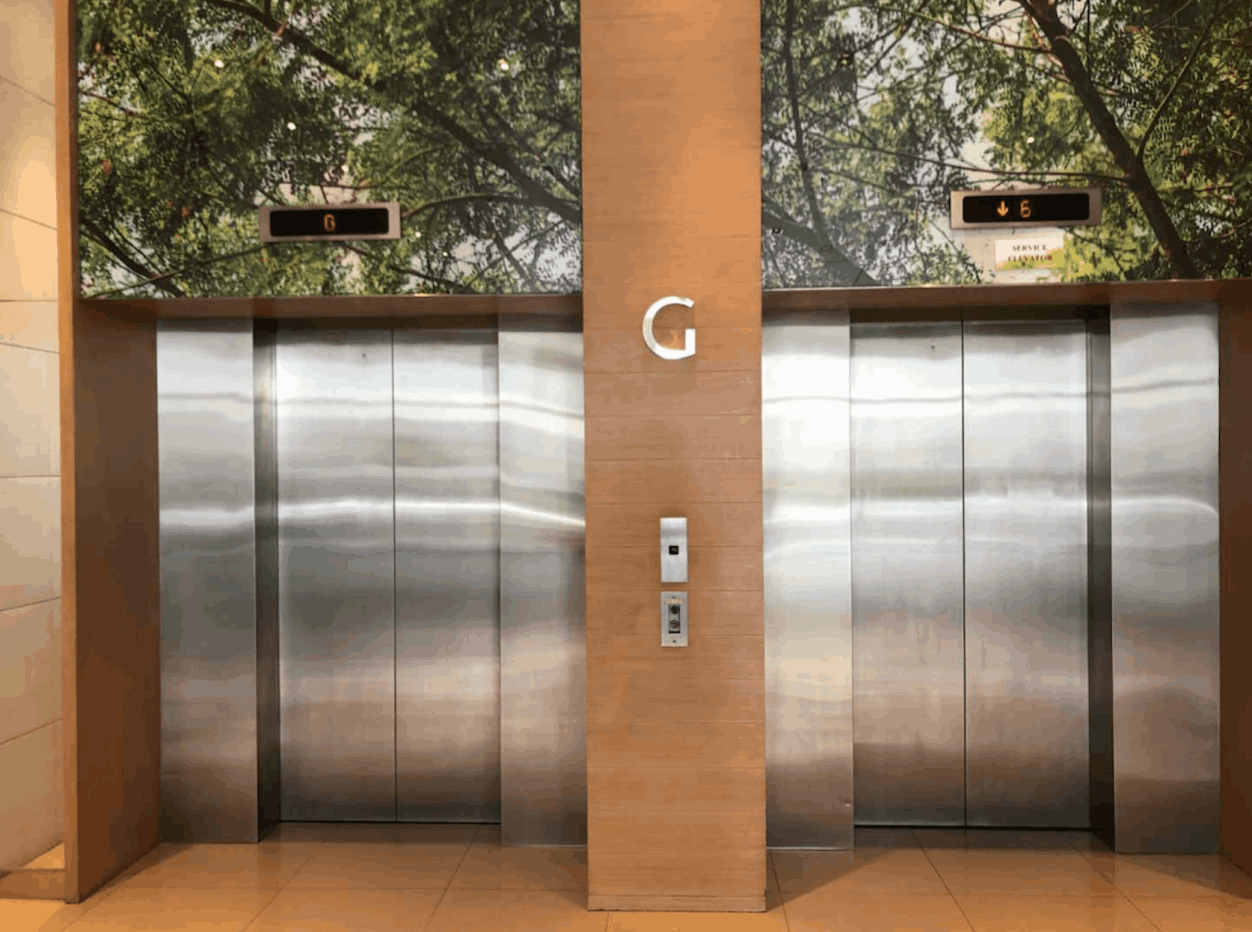
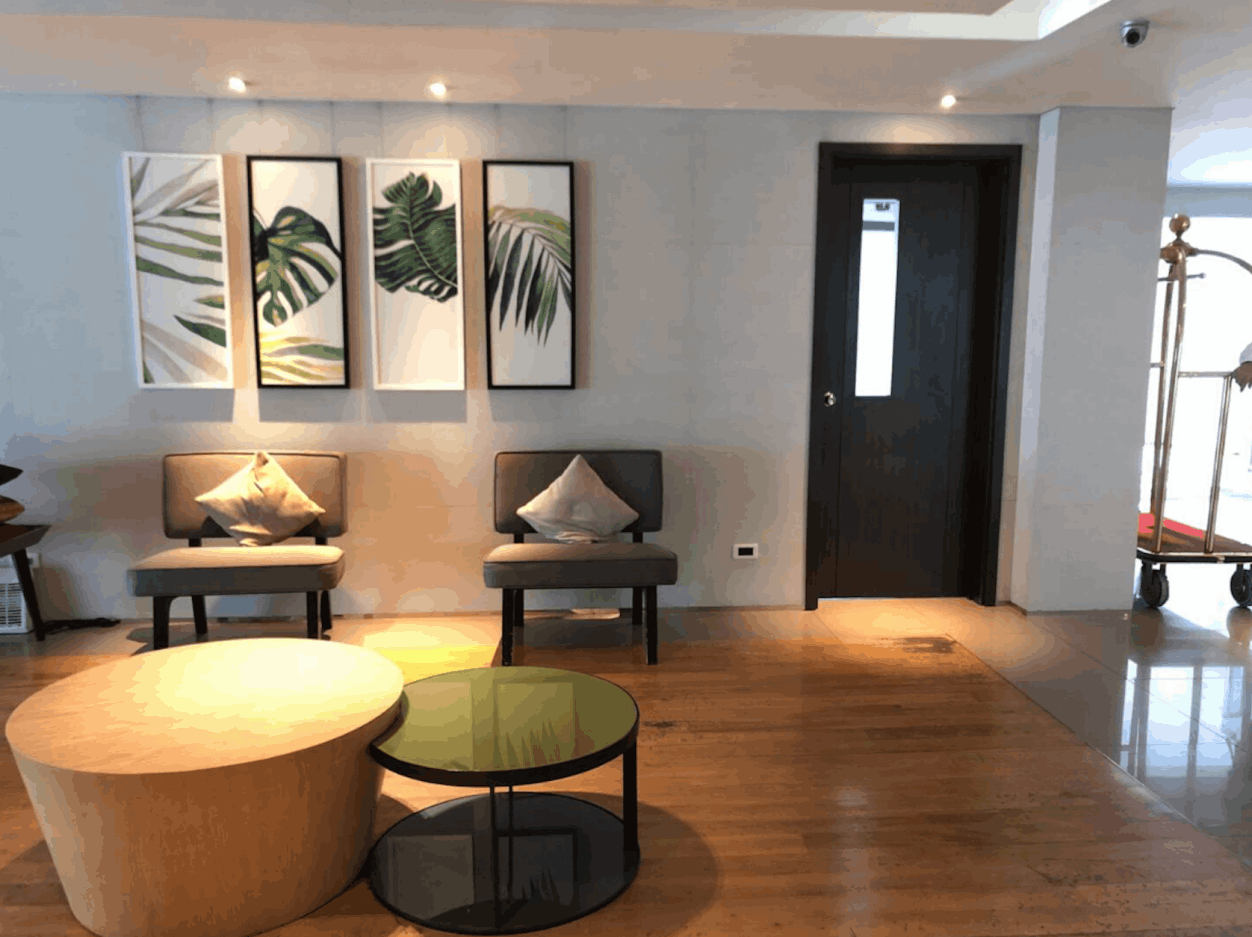
Step out of the elevator — you'll see this area on the 6th floor. Turn right down the hallway. You can also use the secondary elevator here to reach the unit level.
The door will be unlocked for you already, and the keys will be on the bedside table. Welcome to our home — we hope you have a wonderful and relaxing stay! If you need anything at all, don't hesitate to message us through Airbnb. Thank you again for choosing WILLSTAY. 😊